Dithering Comparison
Tools ▸ Dithering Comparison · any machine
What it does
You give it one photograph. It engraves that photograph eight times on a single sheet, each with a different dithering algorithm, labelled.
Then you look at them and pick one.
Why you'd want it
A laser cannot do grey. It fires or it does not — so every shade in a photograph has to become a pattern of dots, and the algorithm that decides which dots is called dithering. It is the single biggest factor in whether a photo engraving looks like a photograph or like mud.
⭐ There is no best algorithm. There is a best algorithm for this picture on this material, and the honest way to find it is to look at all of them together. Twenty minutes here settles the question for every photo job afterwards.
The eight
ALPS renders all eight of its engine dithers:
Floyd–Steinberg · Atkinson · Jarvis-Judice-Ninke · Stucki · Burkes · Sierra · Bayer 4×4 · Bayer 8×8
The first six are error-diffusion — each dot's rounding error is pushed into its neighbours, which gives organic, photographic-looking grain. The two Bayer entries are ordered dithers: a fixed repeating matrix, which produces a visible regular texture. That texture is sometimes exactly what you want on a coarse material, and usually not what you want on a face.
⚠ Do not pick from these descriptions. They are here so the labels mean something — the sheet is what decides. Materials confound every generalisation about dithering.
Step by step
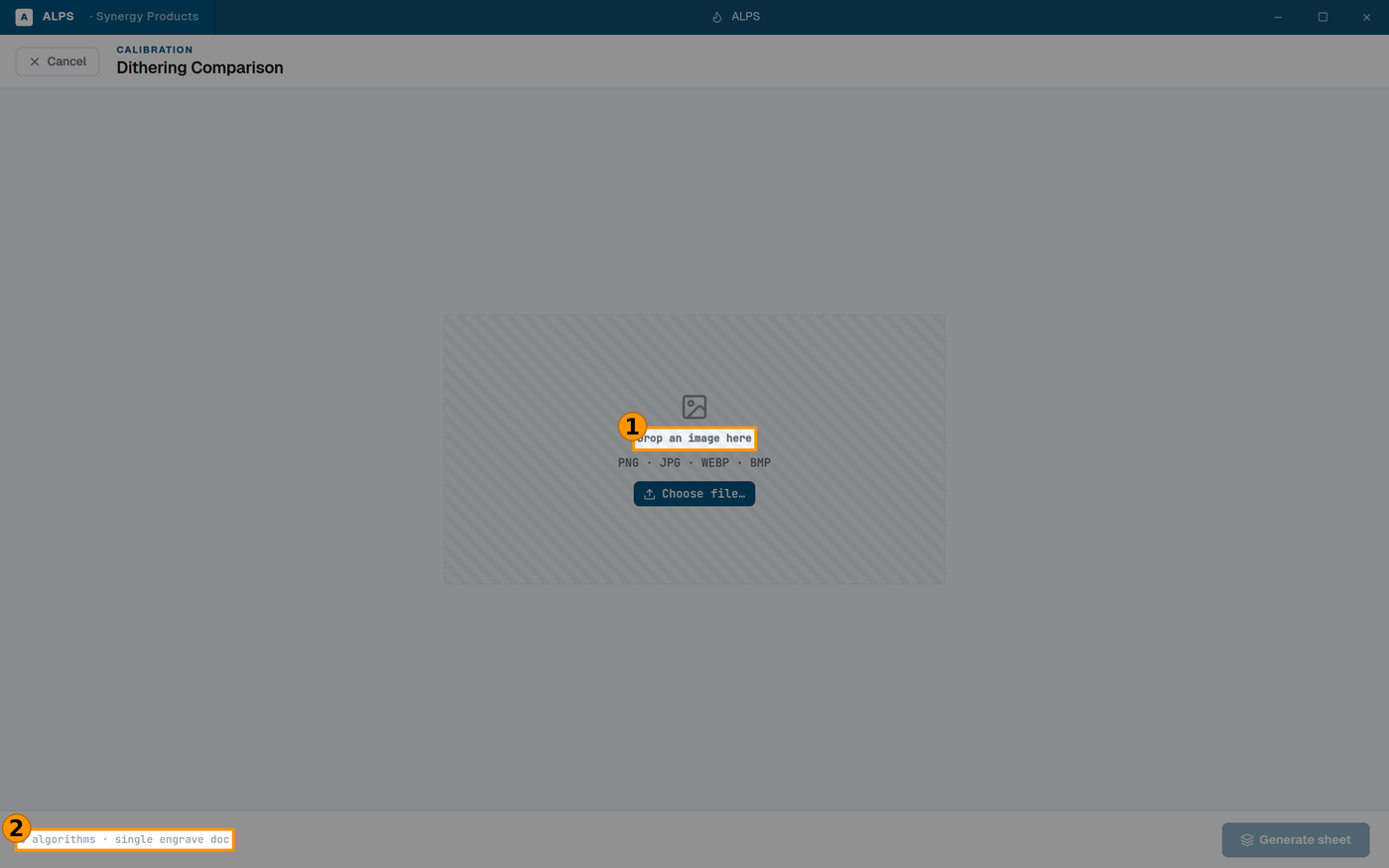
① Drop the photo you actually engrave — a test chart will not tell you what you need ② Eight algorithms, one engrave document
- Open Tools ▸ Dithering Comparison.
- Drop an image in. Choose a different image if you picked wrong.
- Generate sheet — it builds one engrave document with all eight side by side.
- Send it and run it on the material you care about.
- Look at the plate in good light, at the distance the finished part will be viewed from.
Choosing well
⭐ Use a photograph that is representative of your real work, not a test chart. If you engrave portraits, use a face — skin tones and hair are where dithering algorithms differ most visibly, and a landscape will not tell you what you need to know.
⚠ Judge at arm's length, not through a loupe. Under magnification the dot patterns look wrong in ways nobody will ever see on the finished part; you will talk yourself out of the right answer.
⚠ The result belongs to the material. A method that wins on anodised aluminium can lose on wood. Keep the plate, label it with the material, and run a new one when you take on a new stock.
Related
- Image Prep (
image-prep.md) — where you apply the method you chose here. Method is the setting this sheet exists to answer. - DPI Test Sheet (
dpi-test-sheet.md) — resolution, the other half of the question. - Material Test (
material-test.md) — speed and power. Worth settling before either of these.